To use an eSIM for international travel, your phone must be carrier-unlocked and include a built-in eSIM chip. You can verify compatibility by dialing *#06#; if an “EID” number appears, your device is eSIM-ready and can activate a Terminal eSIM plan instantly.
Is My Phone Compatible With eSIM Technology?
As we move through 2026, eSIM has become the standard for global connectivity. However, before you purchase a data plan, you need to confirm two critical things: hardware support and lock status.
Most flagship devices released after 2019—including the iPhone 11 and later, Samsung Galaxy S20 series, and Google Pixel 3 onwards—are equipped with an embedded SIM. To verify your specific device:
- Check for an EID: Open your phone’s dialer and type *#06#. If you see a 32-digit EID number, your hardware is compatible.
- Verify Unlock Status: Even if your phone has the chip, it must be “unlocked” from your home carrier. If you are on a payment plan or contract, your provider may have restricted the device to their network. You can usually check this in Settings > General > About > Carrier Lock (on iOS) or by contacting your provider.
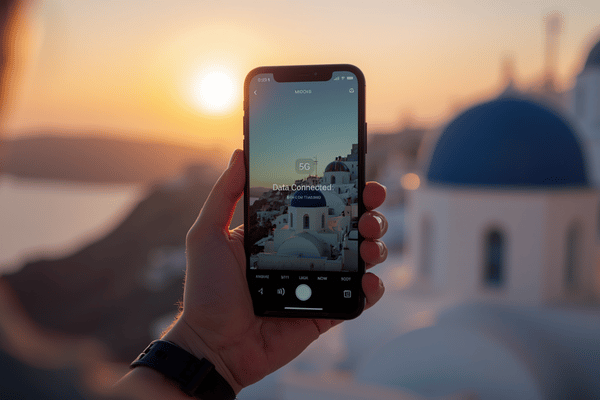
Terminal eSIM works seamlessly with all unlocked, compatible devices, offering fast 5G speeds and no hidden fees, so you can skip the expensive “daily travel passes” offered by traditional carriers.
What Are the Benefits of Using an eSIM for International Travel?
The days of hunting for a local SIM card at a crowded airport kiosk are over. Switching to a digital-first approach with Terminal eSIM provides a level of freedom physical cards simply can’t match.
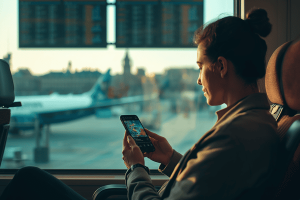
- Instant Activation: You don’t have to wait for a piece of plastic to arrive in the mail. You can buy a plan while sitting at your gate and have it ready before your plane touches the runway.
- Keep Your Original Number: Because an eSIM is digital, your physical SIM slot remains free. This allows you to keep your home number active for important 2FA texts or emergency calls while using Terminal eSIM for all your data needs.
- Unmatched Security: A physical SIM can be stolen or swapped. An eSIM is embedded in your phone’s hardware, making it much harder for unauthorized users to compromise your connection.
- 24/7 Global Support: Unlike local vendors who close at 5:00 PM, Terminal eSIM offers around-the-clock technical support to ensure you’re never stranded without a connection.
How Does Terminal eSIM Compare to Traditional Roaming?
Choosing the right way to stay connected can save you hundreds of dollars on a single trip. Here is how Terminal eSIM stacks up against the old ways of traveling.
| Feature | Terminal eSIM | Local Physical SIM | Carrier Roaming |
| Setup Time | < 2 Minutes | 30+ Minutes (In-store) | Automatic |
| Cost | Low / Local Rates | Very Low | Very High ($10-$15/day) |
| Keep Home Number | Yes (Dual SIM) | No (Usually swapped) | Yes |
| Hidden Fees | None | Possible (Activation) | High (Overages) |
| Support | 24/7 Digital Support | In-store only | Phone Support |
How Do I Activate an eSIM for International Travel?
Activating your plan with Terminal eSIM is designed to be a “set and forget” experience. Follow these simple steps to get connected:
- Download and Choose: Open the Terminal eSIM app or website and select your destination and data package.
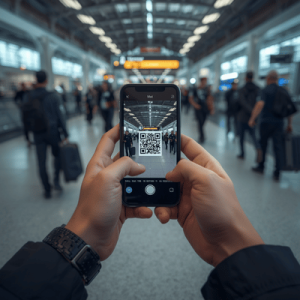
- Install the Profile: After purchase, you will receive a QR code via email. Go to your phone’s Settings > Cellular > Add eSIM and scan the code.
- Label Your Plan: Name your new plan “Travel Data” to keep it separate from your primary line.
- Toggle Data Roaming: Once you land, go to your cellular settings, set your Terminal eSIM as the “Mobile Data” source, and ensure Data Roaming is turned ON for that specific line.
Why Is My Phone Not Connecting Abroad?
If you’ve verified your phone is compatible but still can’t get online, the issue is usually a minor setting. First, ensure that Data Roaming is enabled specifically for your eSIM profile. Second, check that you have a 4G or 5G signal; in some remote areas, you may need to manually select a network in your settings.
Terminal eSIM provides fast speeds by partnering with the best local networks in every country, ensuring that whether you’re in Tokyo or Tuscany, your maps and apps load without lag.
FAQ
Question: Can I use WhatsApp and iMessage with an eSIM?
Answer: Yes, your apps will continue to work perfectly. Since you can keep your original SIM active alongside the eSIM, you can maintain your identity on WhatsApp while using Terminal eSIM for data.
Question: Does my phone need to be unlocked to use a travel eSIM?
Answer: Yes, your device must be carrier-unlocked. If your phone is still under a payment contract, contact your carrier to see if they can perform a temporary or permanent unlock for international travel.
Question: Can I share my data via a personal hotspot?
Answer: Most Terminal eSIM plans fully support personal hotspots, allowing you to share your high-speed connection with your laptop, tablet, or travel companions.
Question: What happens if I run out of data mid-trip?
Answer: You can easily top up your data through the Terminal eSIM app at any time. There are no “overage” fees; you simply buy more data when you need it.
Question: How many eSIMs can I store on my phone?
Answer: Most modern smartphones can store between 5 and 10 eSIM profiles, though you typically only use one or two at a time. This makes it easy to manage multiple destinations on one trip.
Ready to Explore?
Before you head to the airport, ensure your connectivity is sorted. Check our global coverage map to find the perfect plan for your next destination.
Download the Terminal eSIM App and get your first 5G data plan in under two minutes. Travel smarter, stay connected, and never pay a roaming fee again.